

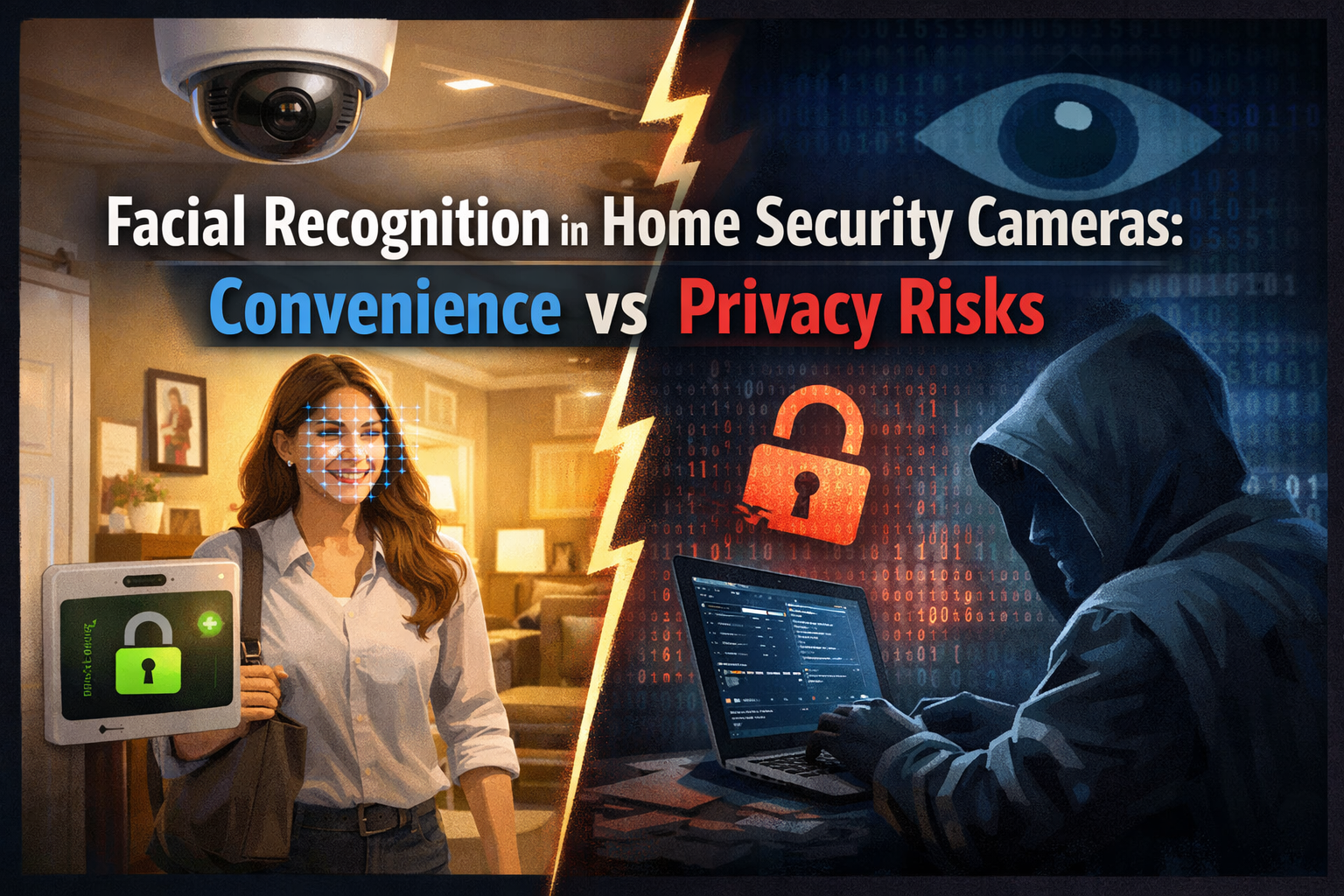
Facial recognition used to sound like science fiction. Now it’s sitting quietly on your front porch, built into home security cameras that can tell the difference between you, your neighbor, and a total stranger. On the surface, it feels like a huge upgrade - fewer false alerts, smarter notifications, and a system that “knows” your household.
But there’s another side to the story. Facial recognition also raises serious privacy concerns.
● Who stores your face data?
● How secure is it?
● And what happens if that data ends up in the wrong hands?
Let’s unpack the convenience, the risks, and the reality of facial recognition in home security cameras - without hype or fearmongering.
What Facial Recognition Really Means in Home Security
Facial recognition in home security cameras goes beyond simple motion detection. Instead of alerting you every time something moves, these systems analyze facial features and compare them to stored profiles.
In practical terms, this means your camera can:
- Recognize familiar faces
- Send alerts only for unknown visitors
- Tag recorded footage with names
It’s not just watching - it’s identifying.
How Facial Recognition Technology Works
At a basic level, facial recognition uses algorithms to map unique facial features such as the distance between eyes, jawline shape, and nose structure. These measurements are converted into a digital template.
That template is then:
- Stored locally or in the cloud
- Compared against new faces captured on camera
- Matched or flagged as unknown
It’s fast, automated, and improving all the time.
The Convenience Factor: Why Homeowners Love It
There’s a reason facial recognition is gaining traction - it genuinely makes home security smarter.
Fewer False Alerts and Notifications
Traditional motion detection can be noisy. Pets, passing cars, or waving trees can trigger alerts nonstop. Facial recognition filters the noise.
Instead of dozens of alerts, you get:
- Notifications only when unfamiliar faces appear
- Clear identification of known visitors
- Less stress and alert fatigue
Your phone stops buzzing for no reason.
Personalized Security Experience
Facial recognition allows your system to treat different people differently.
Examples include:
- Disabling alarms when household members arrive
- Sending special alerts when children get home
- Notifying you when a specific caregiver arrives
Security becomes tailored, not one-size-fits-all.
Smarter Video Searches and Footage Review
Searching through hours of footage is painful. Facial recognition makes it easier.
You can:
- Search by recognized person
- Quickly find specific events
- Reduce time spent reviewing videos
It’s like having a smart assistant for your security footage.
Improved Home Automation Integration
When facial recognition is connected to smart home systems, things get interesting.
Your home can:
- Unlock doors for recognized faces
- Adjust lighting based on who arrives
- Trigger custom routines automatically
Convenience levels go way up - but so do the stakes.
The Privacy Risks You Can’t Ignore
Convenience is only half the equation. Facial recognition deals with one of the most sensitive types of data there is: biometric information.
Once compromised, you can’t change your face like a password.
Biometric Data Storage Concerns
Facial data must be stored somewhere - either on the device, on a local hub, or in the cloud.
Key risks include:
- Data breaches exposing facial templates
- Weak encryption methods
- Third-party access without clear consent
If facial data leaks, the consequences can be long-lasting.
Cloud Storage and Third-Party Access
Many home security systems rely on cloud services. That means your facial data may be stored on external servers you don’t control.
Questions homeowners should ask:
- Who owns the facial data?
- How long is it stored?
- Can it be shared with partners or law enforcement?
Lack of transparency is a red flag.
Surveillance Creep and Normalization
One subtle risk is how quickly constant surveillance becomes “normal.” Cameras that recognize faces can blur the line between safety and over-monitoring.
This can affect:
- Guests who didn’t consent to being scanned
- Children growing up under constant observation
- Neighbors captured in shared spaces
Just because technology exists doesn’t mean it should be used everywhere.
Risk of Hacking and Unauthorized Access
Any internet-connected device can be hacked. If attackers gain access to facial recognition systems,
they could:
- Identify household members
- Track routines and habits
- Access sensitive footage
The smarter the system, the more attractive it becomes to hackers.
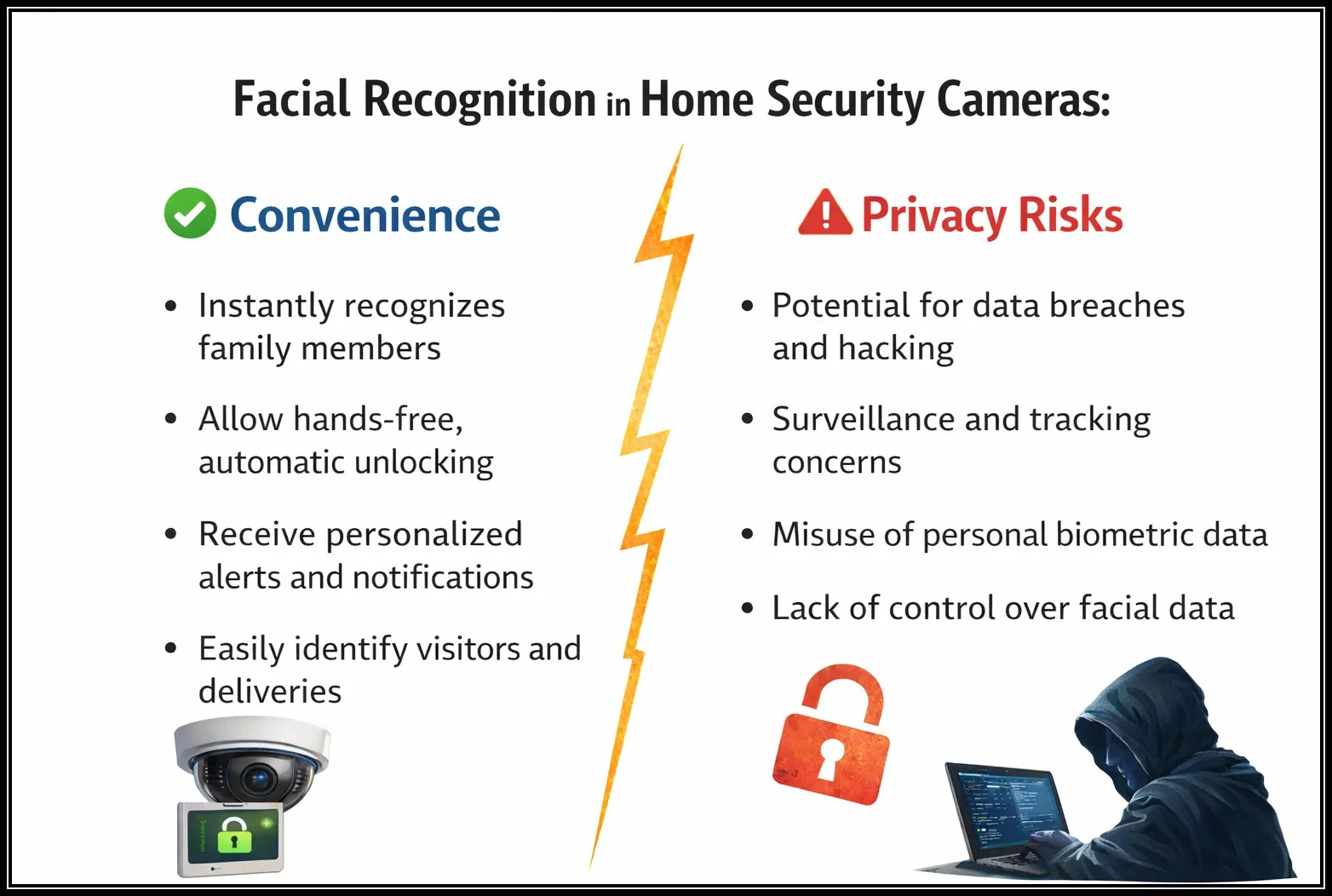
Facial Recognition in Home Security Cameras
Accuracy Issues and Misidentification
Facial recognition isn’t perfect. Lighting, camera angles, and image quality can affect accuracy.
Misidentification can lead to:
- Missed alerts for real threats
- False trust in system decisions
- Unintended access permissions
Blind trust in automation is risky.
Legal and Ethical Gray Areas
Facial recognition laws vary widely depending on location. Some regions regulate biometric data strictly, while others lag behind.
Ethical questions include:
- Consent of visitors and service workers
- Data use beyond original purpose
- Long-term impact on privacy norms
Just because something is legal doesn’t always mean it’s ethical.
How to Use Facial Recognition More Safely
You don’t have to reject facial recognition entirely to protect your privacy. Smart usage makes a huge difference.
Choose Systems with Local Processing
Local processing means facial data stays on your device instead of being sent to the cloud.
Benefits include:
- Reduced exposure to data breaches
- Greater user control
- Faster processing
This is one of the biggest privacy upgrades you can make.
Review Privacy Policies Carefully
Yes, privacy policies are boring - but they matter.
Look for:
- Clear data ownership statements
- Strong encryption standards
- Options to delete facial data permanently
If policies are vague, consider another provider.
Limit Facial Recognition to Essential Areas
You don’t need facial recognition everywhere.
Best practice:
- Use it at entry points only
- Disable it in private indoor spaces
- Avoid covering shared public areas
Less data collection equals less risk.
Regularly Delete Old Facial Data
People change. Households evolve. Old facial data doesn’t need to stick around forever.
Make it a habit to:
- Remove profiles no longer needed
- Delete outdated footage
- Review stored data periodically
Digital clutter can become a liability.
Use Strong Account Security Measures
Protect the system that protects you.
Enable:
- Strong, unique passwords
- Two-factor authentication
- Login alerts for unusual activity
Security layers work best together.
Is Facial Recognition Worth It for Home Security?
The answer depends on your comfort level and priorities. Facial recognition offers real convenience and smarter automation - but it also demands trust in technology and providers.
For some homeowners, the benefits outweigh the risks. For others, traditional motion detection feels safer and simpler.
There’s no universal right answer - only informed choices.
Conclusion
Facial recognition in home security cameras sits at the crossroads of innovation and privacy. On one hand, it reduces false alerts, improves automation, and makes security more personalized. On the other, it introduces serious concerns around data storage, consent, and long-term privacy.
The key isn’t blind adoption or outright rejection - it’s balance. By choosing privacy-focused systems, limiting usage, and staying informed, homeowners can enjoy the convenience of facial recognition without sacrificing control. In the end, the smartest security systems are the ones that protect both your home and your privacy.
FAQs
Q. Is facial recognition in home security cameras safe?
It can be safe if the system uses strong encryption, local processing, and robust account security features.
Q. Where is facial recognition data stored?
Depending on the system, data may be stored locally, on a hub, or in the cloud. Always check the providers privacy policy.
Q. Can facial recognition cameras work without internet access?
Some systems with local processing can recognize faces without constant internet access, but features may be limited.
Q. Do visitors need to consent to facial recognition cameras?
Laws vary by location, but ethical best practices suggest informing visitors when facial recognition is in use.
Q. Can facial recognition be turned off in home security cameras?
Yes, most systems allow users to disable facial recognition while keeping basic motion detection active.