

Choosing a home security provider is a major decision. With dozens of companies offering smart cameras, alarms, monitoring services, and home automation features, it can feel overwhelming to sort through all the options. Every provider claims to be the best, but the truth is that not all home security companies are created equal.
Your security system is supposed to protect your family, property, and peace of mind - so selecting the right provider is critical. This guide will help you compare providers effectively, know what features actually matter, understand where companies often hide extra costs, and recognize the red flags that signal you should walk away.
Whether you’re starting from scratch or considering switching companies, the following insights and questions will help you make an informed, confident decision.
Why Choosing the Right Provider Matters
A home security system is more than just cameras and alarms. It includes:
- Professional monitoring
- Emergency response
- Reliable equipment
- Customer support
- Mobile app access
- Software updates
- Long-term service
If you choose a low-quality provider, you may face delayed emergency responses, false alarms, unexpected charges, weak equipment, or even data privacy concerns.
Your system must work every time - not just when it’s convenient.
What to Look for When Comparing Home Security Providers
Instead of getting distracted by flashy features or confusing marketing, focus on these core categories.
1. Professional Monitoring Services
Monitoring is the heart of any security system. It's the service that:
- Responds to alarms
- Notifies emergency services
- Contacts you when something happens
- Provides support during emergencies
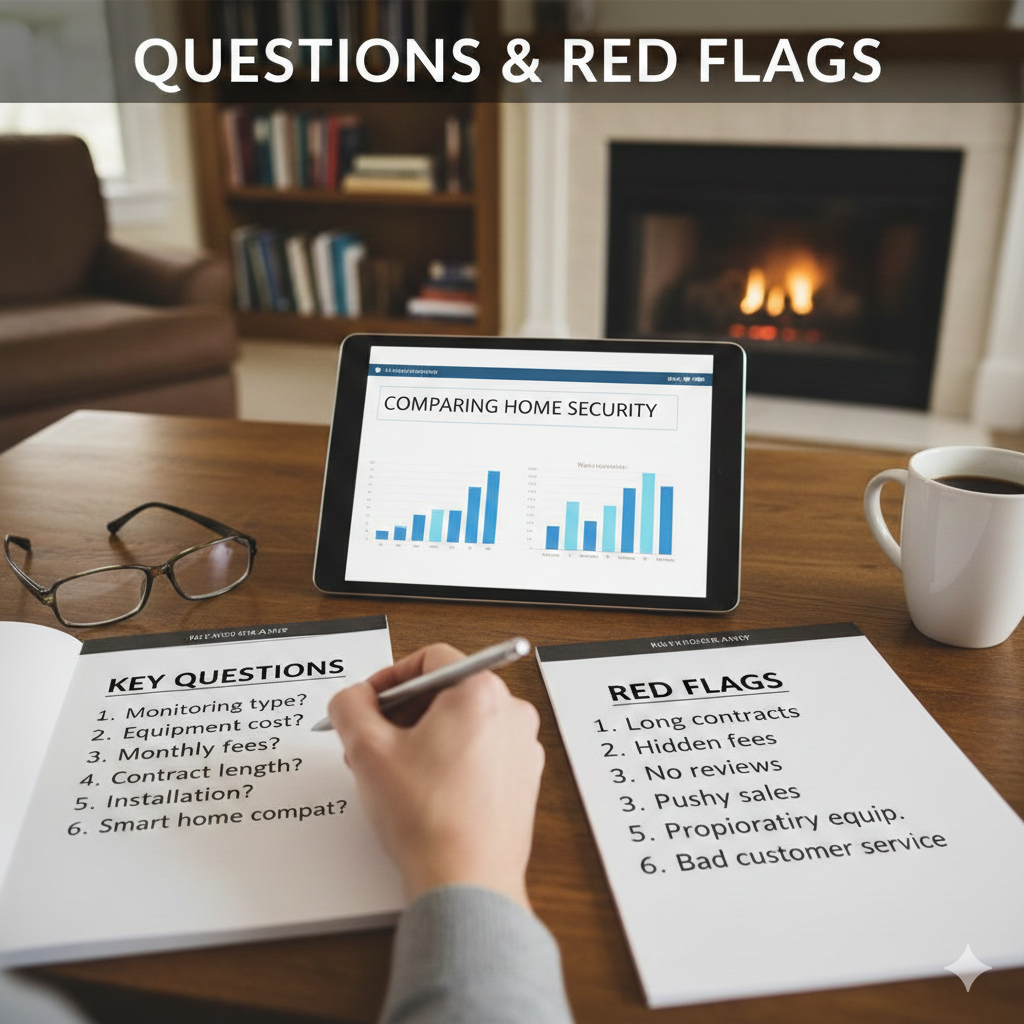
Key Questions to Ask:
- Is monitoring professional, 24/7, or self-monitored?
- Where is the monitoring center located?
- Is the monitoring center UL-certified?
- What is the typical emergency response time?
Is monitoring done in-house or outsourced?
Why It Matters:
Professional monitoring services saves lives and prevents damage. Outsourced or low-quality monitoring centers may respond slowly or inconsistently.
2. Equipment Quality & Technology
Not all equipment is reliable. Cheap cameras, outdated sensors, and unstable apps result in more problems than protection.
Equipment to Compare:
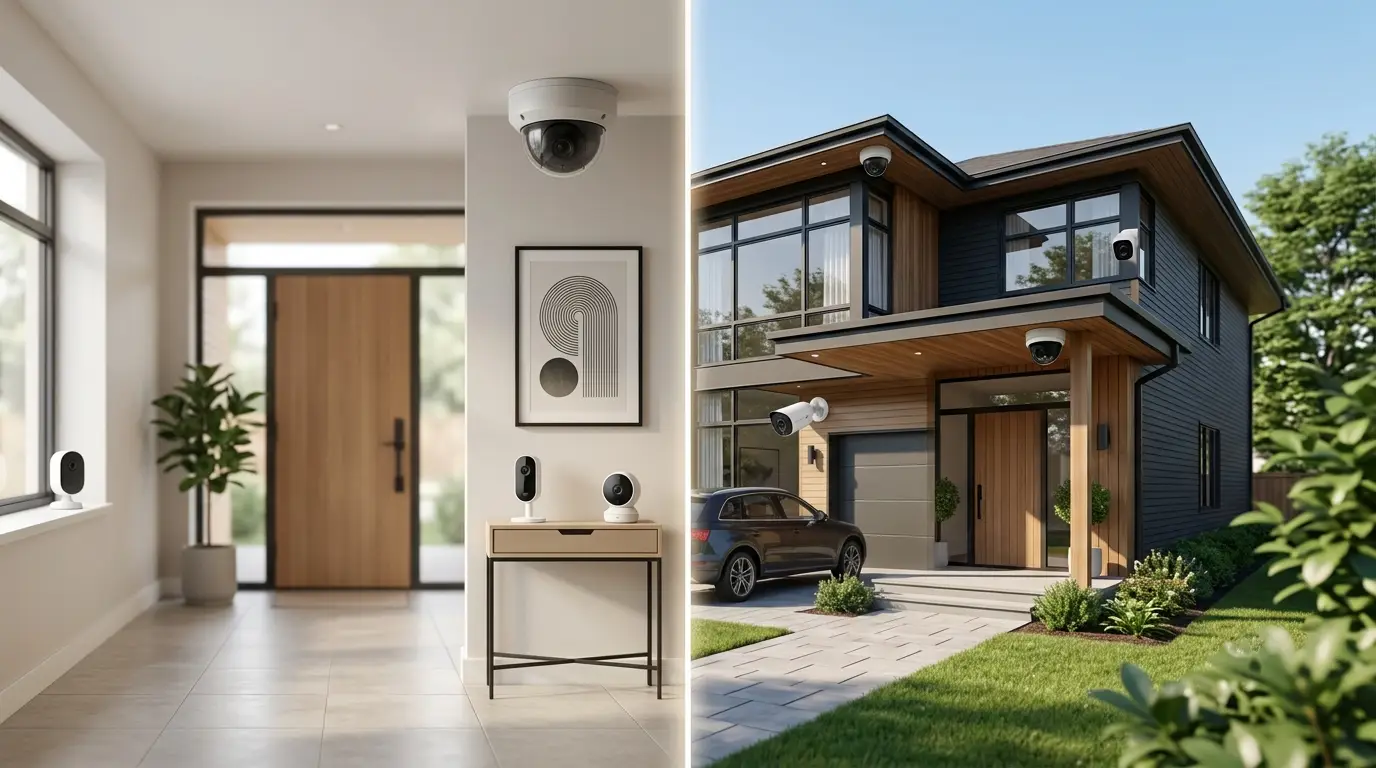
- Cameras (indoor, outdoor, doorbell)
- Door/window sensors
- Motion detectors
- Glass-break sensors
- Smart locks
- Control panels
- Sirens
- Environmental sensors (smoke, CO, flood)
Key Questions to Ask:
- Is the equipment proprietary or can you use third-party brands?
- Does it include features like night vision, AI detection, and cloud storage?
- Does the provider support 4G/LTE backup if Wi-Fi fails?
- Are firmware updates automatic and secure?
Why It Matters:
The reliability of your equipment determines whether you’re protected during an actual emergency.
3. Installation Options
Some providers require professional installation, while others offer DIY options.
Professional Installation:
- Set up correctly
- Ideal for larger homes
- Comes with technician assistance
DIY Installation:
- Cheaper
- Faster
- Allows full control
- No scheduling required
Key Questions to Ask:
- Is installation free or paid?
- Are technicians background-checked?
- Is DIY available as an alternative?
4. Mobile App Experience
A security system is only as good as the app controlling it. A slow, glitchy, or confusing app causes frustration and delays.
Key Questions to Ask:
- Can you arm/disarm the system remotely?
- Does it support real-time video with no lag?
- Are alerts customizable?
- Does the app integrate with smart home platforms like Alexa, Google, or Apple Home?
- Is the app secure with two-factor authentication?
Why It Matters:
Smooth app performance keeps you connected and in control of your home at all times.
5. Contracts, Terms & Pricing Transparency
This is where many homeowners get burned.
Questions to Ask:
- Is there a contract? If so, how long?
- Are there cancellation fees?
- What happens if you move?
- Is monthly monitoring optional?
- Are there hidden fees (activation, installation, service calls, storage)?
Why It Matters:
Some companies lock you into multi-year contracts that are hard to cancel. Others bury extra costs in the fine print.
Always read the contract line by line.
6. Warranty & Replacement Guarantees
Good providers stand behind their equipment. Bad ones charge you for replacements or repairs.
Key Questions to Ask:
- What is the warranty period?
- Does it include wear and tear or just defects?
- Are upgrades available after a few years?
- Will the company replace stolen or damaged equipment?
Why It Matters:
A solid warranty saves you money and proves the company believes in its products.
7. Customer Support & Reputation
A company can have amazing equipment but terrible support - and that ruins the entire experience.
Key Questions to Ask:
- Is customer service available 24/7?
- How can you reach them (phone, chat, email)?
- Are service calls free or paid?
- What do verified customer reviews say?
Why It Matters:
You want a team that answers quickly when you need them most - not a company that keeps you on hold during emergencies.
Red Flags to Watch Out For
Not all companies operate with transparency. Here are the biggest warning signs.
1. High-Pressure Sales Tactics
If a salesperson:
- Demands you sign today
- Uses fear to push products
- Refuses to show pricing until the end
- Forces bundle upgrades
…walk away. Ethical companies let you research and decide without rushing.
2. Hidden Fees or Confusing Pricing
Watch out for providers that charge extra for:
- Activation
- Installation
- Cloud storage
- App access
- Equipment leasing
- Early termination
- Service calls
- Warranty extensions
Transparency is everything.
3. Unmonitored or Self-Monitored Only Systems
Self-monitoring is convenient but risky. If your phone dies, loses signal, or you're asleep - you get zero protection.
Unmonitored systems are not true security systems.
4. Outdated Equipment
Avoid systems that rely on:
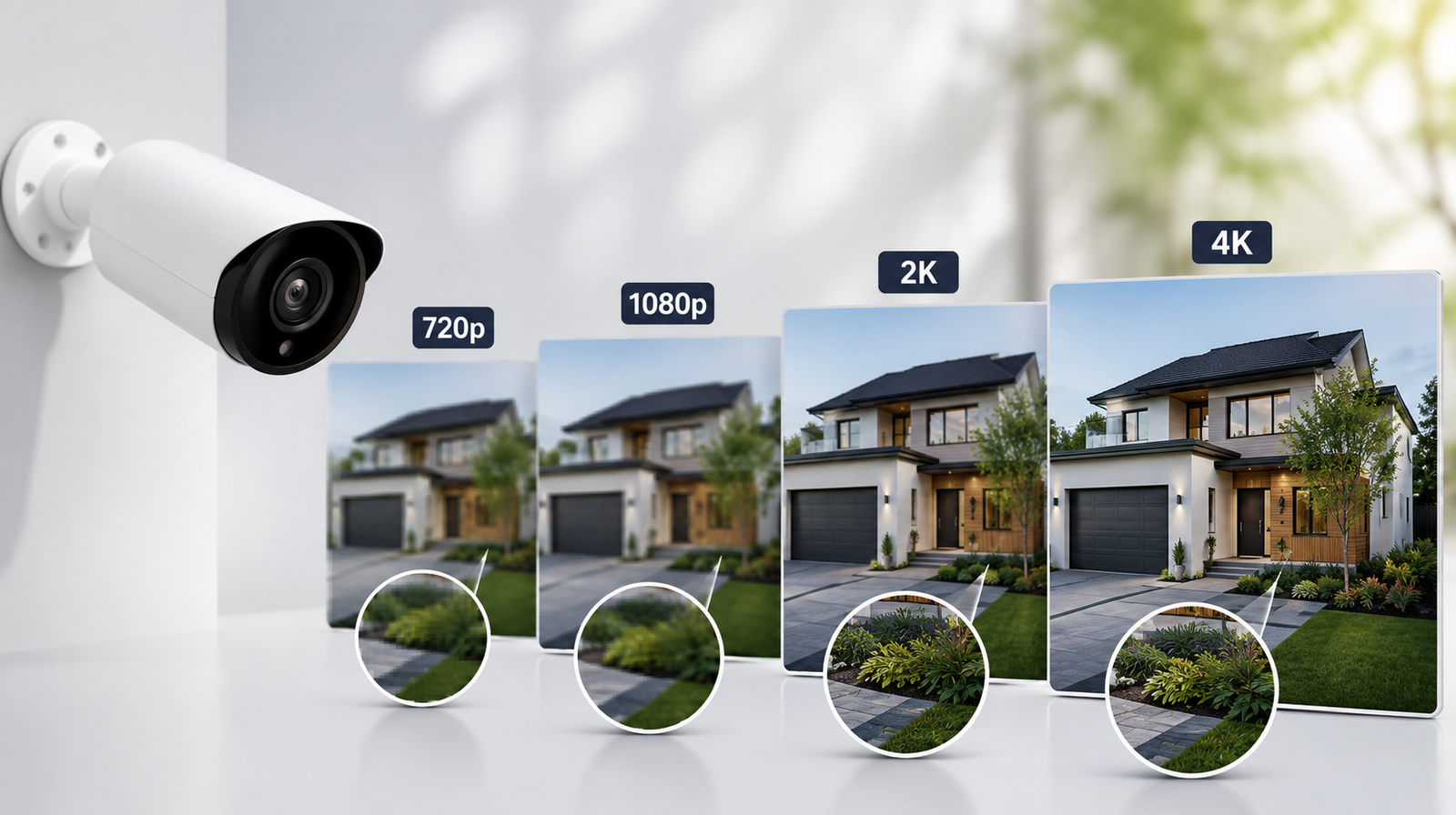
- 720p cameras
- No night vision
- No mobile app
- Old keypads
- Limited sensors
- No AI detection
This equipment fails when you need it most.
5. Long-Term Contracts With No Flexibility
Some companies lock you in for 3–5 years, and cancellation fees are expensive. Flexibility is a crucial part of modern home security.
6. Poor Customer Reviews
If multiple customers mention the same issues - billing problems, slow responses, faulty equipment - that’s a sign of systemic issues.
7. Lack of Professional Monitoring Certification
UL certification ensures the monitoring center meets high safety and reliability standards. If a provider lacks this, reconsider.
8. No Backup Options for Internet Outages
If the system does not offer:
- Cellular backup
- Battery backup
…you become unprotected the moment your power or Wi-Fi drops.
How to Make the Best Choice
When comparing providers, follow this process:
◉ Step 1: List your priorities
Do you need cameras? Sensors? Smart home features? Monitoring?
◉ Step 2: Compare 3–5 providers
Check pricing, equipment, warranties, and reviews.
◉ Step 3: Ask key questions
Clarify anything unclear, especially contracts or hidden fees.
◉ Step 4: Request a written quote
Never rely on verbal promises.
◉ Step 5: Choose the provider that offers the best value, not just the lowest price.
A great security system gives you peace of mind for years to come.
Conclusion
Choosing a home security provider isn’t just about picking a camera or alarm - it’s about trusting a company to protect what matters most. By asking the right questions and watching for red flags, you can confidently evaluate your options and find a provider that delivers reliable, transparent, and long-lasting security.
A strong home security system is an investment in your family’s safety, and with the right provider, you get the perfect balance of technology, monitoring, and peace of mind.
FAQs
Q. What is the most important question to ask a home security provider?
Ask about monitoring: who provides it, response times, and whether its professional or outsourced.
Q. Is professional installation better than DIY?
Both work well. DIY is cheaper and flexible, while professional installation ensures proper setup and fewer errors.
Q. What contract length is ideal?
Month-to-month plans offer flexibility. Long-term contracts can save money but may include cancellation fees.
Q. Do all security providers include equipment warranties?
No. Always ask about warranties, replacements, and whether upgrades are included.
Q. What are the biggest red flags when choosing a provider?
High-pressure sales tactics, hidden fees, unmonitored systems, vague contracts, outdated equipment, and poor customer reviews.