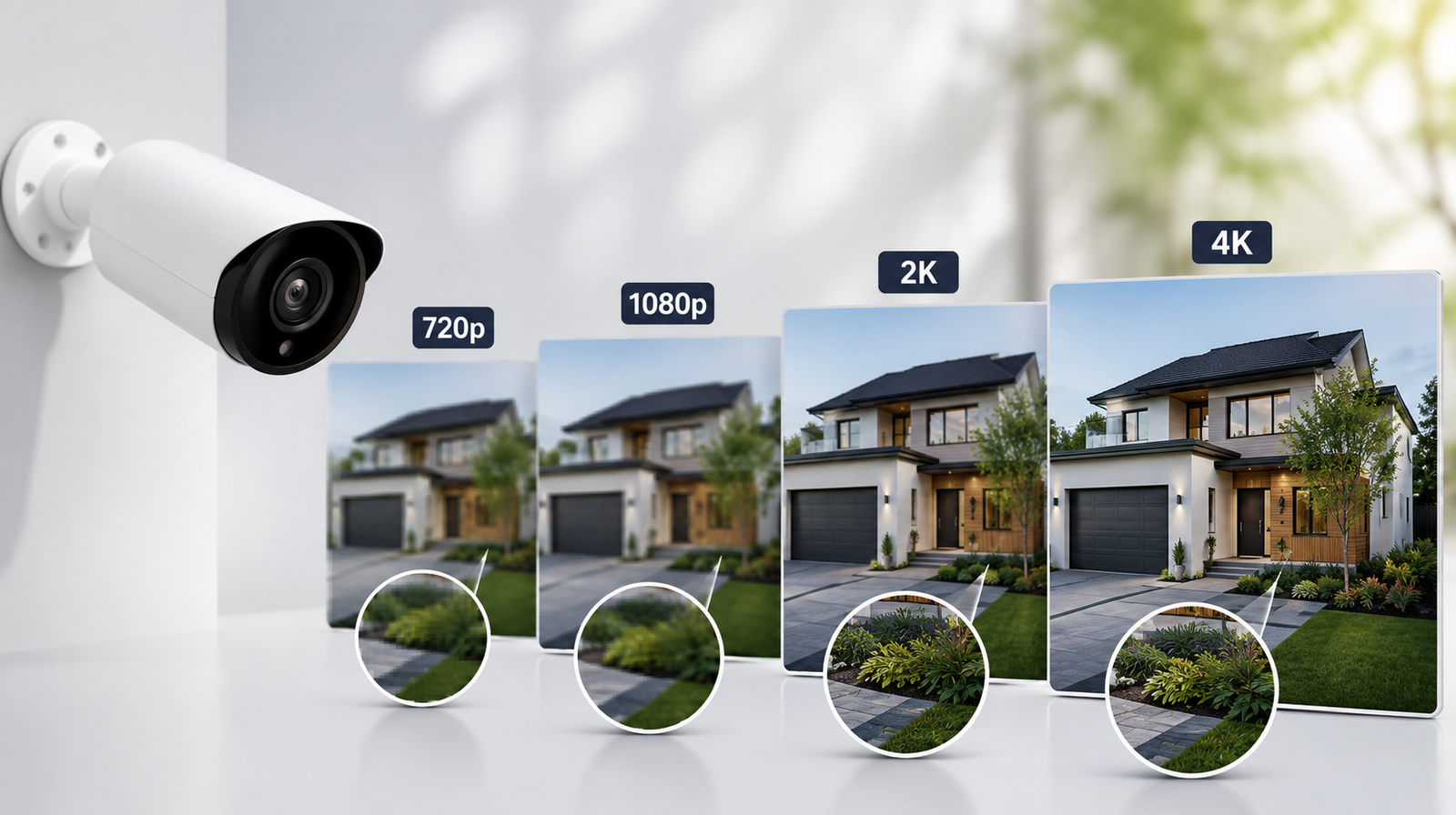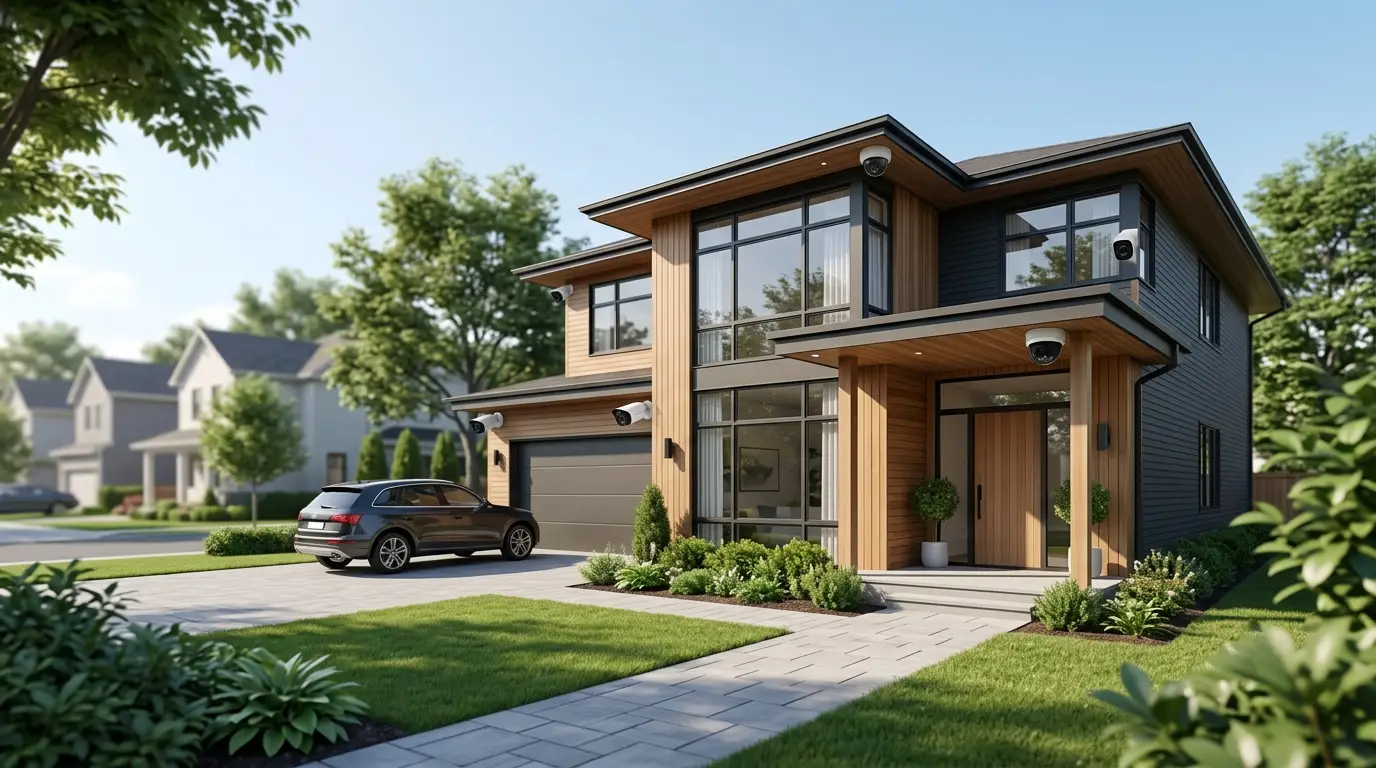


Buying a home security system is no longer just about protecting your property - it's about investing in your family's safety and peace of mind. As technology continues to evolve, today's security systems offer far more than simple burglar alarms. Smart cameras, mobile app controls, video doorbells, environmental sensors, and artificial intelligence have transformed home security into a complete smart home solution. However, with these advancements comes an important question that almost every homeowner asks before making a purchase: How much does a complete home security system cost in 2026?
The answer isn't as simple as looking at a price tag. The overall cost depends on several factors, including the size of your home, the type of equipment you need, whether you choose professional installation or a DIY setup, and if you prefer self-monitoring or 24/7 professional monitoring. Some homeowners can secure their property with a few hundred dollars, while others invest several thousand dollars in premium smart home security.
Instead of focusing only on the upfront expense, it's important to understand the complete cost of ownership. A security system is something you'll likely use for years, so recurring expenses such as monitoring subscriptions, cloud storage, equipment upgrades, and maintenance can significantly influence the total investment. Knowing where your money goes will help you choose a system that fits both your security needs and your budget.
Breaking Down the Cost of a Home Security System
A complete home security system is made up of several individual components, each contributing to the overall price. Understanding these cost categories makes it much easier to compare providers and avoid unexpected charges after purchase.
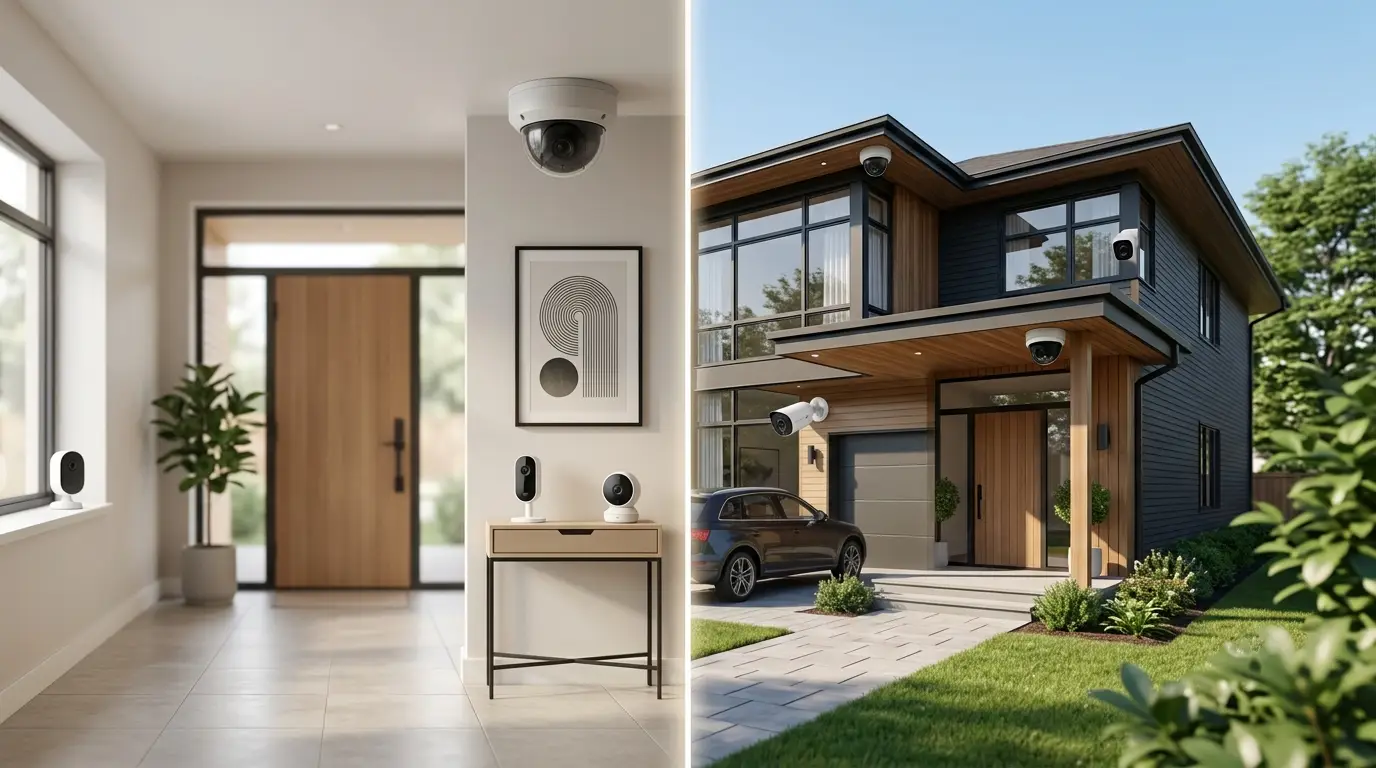
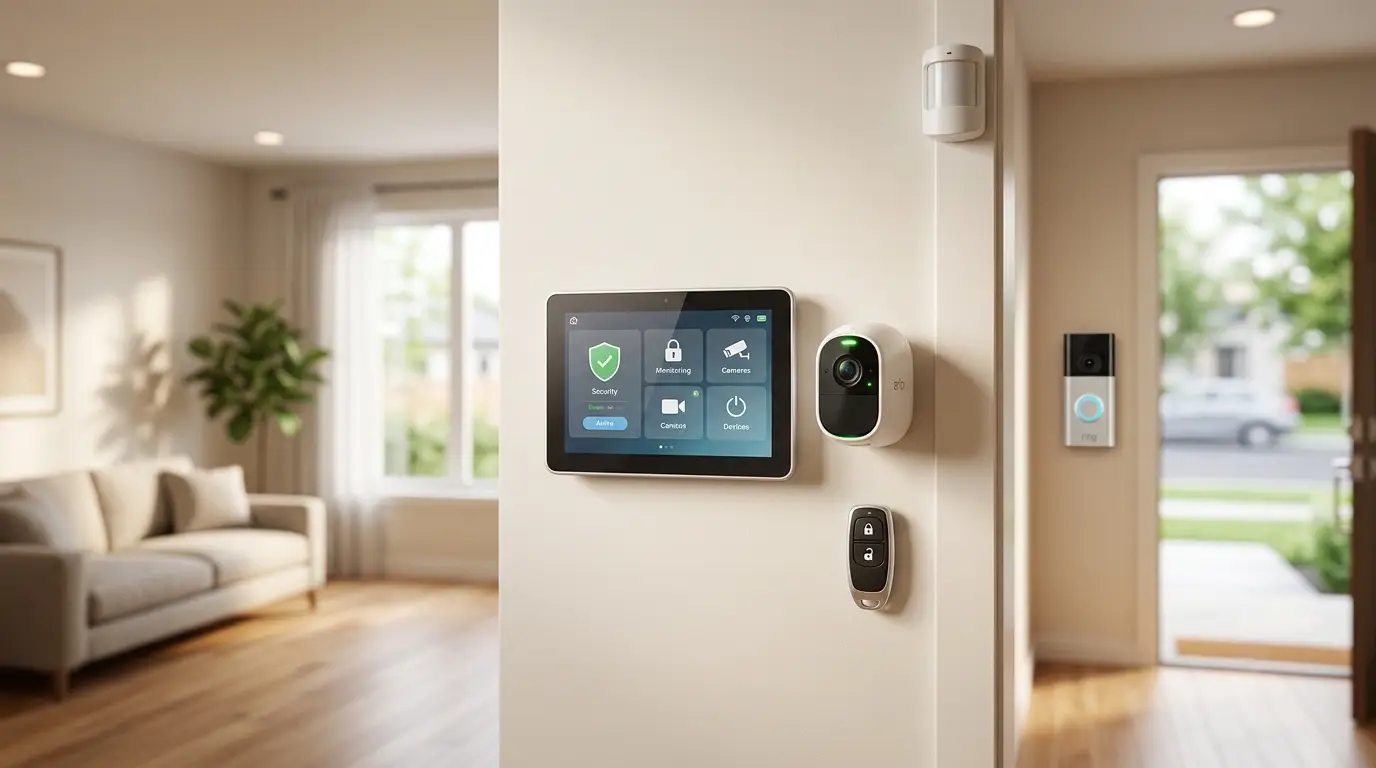
The first and most obvious expense is the equipment itself. This includes everything that physically protects your home, such as the control panel, door and window sensors, motion detectors, indoor and outdoor cameras, video doorbells, smart locks, and environmental sensors like smoke and carbon monoxide detectors. Entry-level systems usually include only the essential devices needed to secure a small home or apartment, while premium packages are designed for larger properties and often include advanced smart home automation.
Another important factor is installation. Thanks to advances in wireless technology, many modern systems are designed for easy do-it-yourself installation. These systems typically use adhesive-mounted sensors and battery-powered devices that can be installed in less than a couple of hours without drilling holes or running wires. For homeowners who prefer a hands-off experience, professional installation remains a popular option. Although it increases the initial cost, professional installation ensures every device is positioned correctly, tested thoroughly, and integrated seamlessly into the home's layout.
Monthly monitoring is another cost that should not be overlooked. While many security systems allow homeowners to monitor alerts themselves through a smartphone app, professional monitoring adds another level of protection by having trained specialists available around the clock. If an alarm is triggered, the monitoring center can verify the event and contact emergency responders when necessary. Although this service requires an ongoing subscription, many homeowners consider it a worthwhile investment because it provides protection even when they are asleep, at work, or traveling.
Finally, there are optional expenses that often surprise first-time buyers. Additional security cameras, smart locks, cloud storage plans, extended warranties, environmental sensors, and smart home integrations can all increase the total cost. These features are not always essential, but they can significantly improve convenience and overall home protection depending on your lifestyle.
Average Equipment Costs in 2026
Equipment prices vary widely because every home has different security needs. A small apartment may only require a control hub, a few door sensors, and a motion detector, while a large two-story home may need multiple outdoor cameras, smart locks, glass break sensors, and environmental monitoring devices.
The equipment package forms the foundation of your home security system.
Typical Equipment Included
- Control panel or smart hub
- Door and window sensors
- Motion detectors
- Indoor or outdoor security cameras
- Video doorbell
- Yard signs and window decals
- Smoke and carbon monoxide detectors (optional)
- Smart locks and garage door controllers (optional)
Estimated Equipment Costs in 2026
| Equipment | Estimated Price Range |
| Starter Kit | $200–$500 |
| Mid-Level System | $500–$1,000 |
| Premium Smart Home System | $1,000–$2,500+ |
Larger homes usually require more sensors and cameras, increasing the equipment cost.
Although premium systems offer more features, they are not always necessary. The right equipment depends on your home's size, layout, neighborhood, and personal security priorities. Purchasing equipment that addresses your home's most vulnerable areas is usually a smarter investment than simply buying the largest package available.
Cost Comparison by Home Size
The size of your home affects how much equipment you'll need.
Apartment or Condo
Typical setup:
- Base station
- Two or three entry sensors
- One motion detector
- One indoor camera
Estimated Total Equipment Cost: $200–$600
Average Single-Family Home
Typical setup:
- Multiple door and window sensors
- Two motion detectors
- Video doorbell
- Outdoor cameras
Estimated Total Equipment Cost: $600–$1,500
Large Home
Typical setup:
- Multiple outdoor cameras
- Additional motion sensors
- Smart locks
- Environmental sensors
- Garage monitoring
Estimated Total Equipment Cost: $1,500–$3,000+
Hidden Costs You Should Know About
The advertised price isn't always the final price.
Possible Hidden Costs
⦿ Activation Fees
Some providers charge a one-time activation fee before the system becomes operational.
⦿ Cloud Storage Plans
Many cameras require monthly subscriptions to store recorded footage.
⦿ Equipment Upgrades
Additional sensors and cameras may not be included in starter packages.
⦿ Maintenance Costs
Wireless sensors require occasional battery replacements.
⦿ Cancellation Fees
Some contracts include early termination charges.
Always ask for a complete pricing breakdown before signing an agreement.
DIY Installation vs. Professional Installation
One of the biggest decisions homeowners face is whether to install the system themselves or hire professionals. Both options have advantages, and the right choice depends on your comfort level and the complexity of your home.
DIY Systems
DIY installation has become increasingly popular because modern wireless security systems are designed with simplicity in mind. Most devices connect wirelessly, require little more than adhesive mounting strips, and include step-by-step instructions through mobile apps. Homeowners who choose this route can usually avoid installation fees entirely while still enjoying reliable protection.
Advantages
- Lower upfront cost
- No installation fees
- Easy to relocate
- Flexible monitoring options
Disadvantages
- Requires self-installation
- Homeowner responsible for setup
DIY systems are ideal for renters and smaller homes.
Professionally Installed Systems
Professional installation, however, offers benefits that go beyond convenience. Experienced technicians understand the best placement for cameras, motion detectors, and entry sensors to maximize coverage while minimizing false alarms. They also test every component before leaving, ensuring the system performs exactly as intended from day one.
Professional installation typically costs between $100 and $300, depending on the size of the system and the provider. While it increases the upfront investment, many homeowners find the added confidence and expert setup well worth the additional expense.
Advantages
- Expert installation
- Optimized equipment placement
- Full system testing
Disadvantages
- Higher initial cost
- Installation appointments required
Professional installation works well for larger properties with more complex layouts.
How to Save Money on a Home Security System
You don't need the most expensive system to protect your home.
Smart Ways to Reduce Costs
⦿ Start with a Basic Package
Purchase only the essential equipment first and expand later.
⦿ Choose Wireless Equipment
Wireless systems often eliminate professional installation costs.
⦿ Compare Monitoring Plans
Not every homeowner needs premium monitoring services.
⦿ Look for Bundle Discounts
Many providers offer savings when purchasing equipment packages.
⦿ Avoid Unnecessary Add-Ons
Focus on devices that improve security rather than features you'll rarely use.
A carefully planned system often delivers better value than the largest package available.
How to Choose the Right System for Your Budget
Instead of asking, "What's the cheapest system?" ask, "What level of protection do I actually need?"
Consider These Factors
- Home size
- Number of entry points
- Neighborhood crime trends
- Family lifestyle
- Smart home preferences
- Long-term ownership plans
The right balance between cost and protection varies for every homeowner.
Are Home Security Systems Worth the Investment?
For many homeowners, the answer is yes.
A quality security system can:
- Deter potential intruders
- Alert you to suspicious activity
- Help protect valuables
- Improve emergency response
- Increase peace of mind
While no system can guarantee complete protection, a well-designed security setup significantly improves your home's overall security.
Conclusion
The cost of a complete home security system in 2026 depends on the level of protection you want, the equipment you choose, and whether you opt for professional monitoring. Entry-level systems can provide reliable security for a few hundred dollars, while larger homes with advanced smart features may require a more substantial investment.
Rather than focusing solely on the initial price, consider the total value over time. Reliable equipment, responsive monitoring, and room to expand your system can make a significant difference in both security and long-term satisfaction.
By understanding equipment costs, installation fees, monthly monitoring, and potential hidden expenses, you'll be better equipped to choose a system that fits both your budget and your home's security needs.
FAQs
Q. What is the average cost of a complete home security system in 2026?
Most homeowners can expect to spend between $500 and $2,000 for equipment, depending on the size of the home and the features included.
Q. Is professional monitoring required?
No. Many systems offer self-monitoring through a mobile app, while professional monitoring is available as an optional subscription.
Q. Are DIY security systems cheaper than professionally installed systems?
Generally, yes. DIY systems eliminate installation fees and often have lower upfront costs, making them a budget-friendly option.
Q. What hidden costs should I watch for?
Common hidden costs include activation fees, cloud storage subscriptions, equipment upgrades, maintenance, and early cancellation charges.
Q. Can I expand my security system later?
Yes. Most modern wireless home security systems are modular, allowing you to add cameras, sensors, smart locks, and other devices as your security needs grow.